2.3. Ad Formats
The mediation SDK currently supports five ad formats: Banner, Interstitial, Native, Splash, and Rewarded Video. Each has a different integration method. Refer to the individual format documentation below.
- All ad operations must be performed on the main thread.
- Do not initialize the SDK in multiple processes simultaneously.
- Each
loadAd()call should correspond to exactly oneshow()call, ensuring each request returns the optimal ad. Do not callshow()multiple times after a singleloadAd(). - Avoid calling
loadAd()multiple times on the same object, as subsequent calls will overwrite the previously loaded ad.
2.3.1 Banner Ad
Overview
An image displayed at the top, middle, or bottom of the app. Supported sizes: 20:3, 3:2. Sample previews:
| 20:3 | 3:2 |
|---|---|
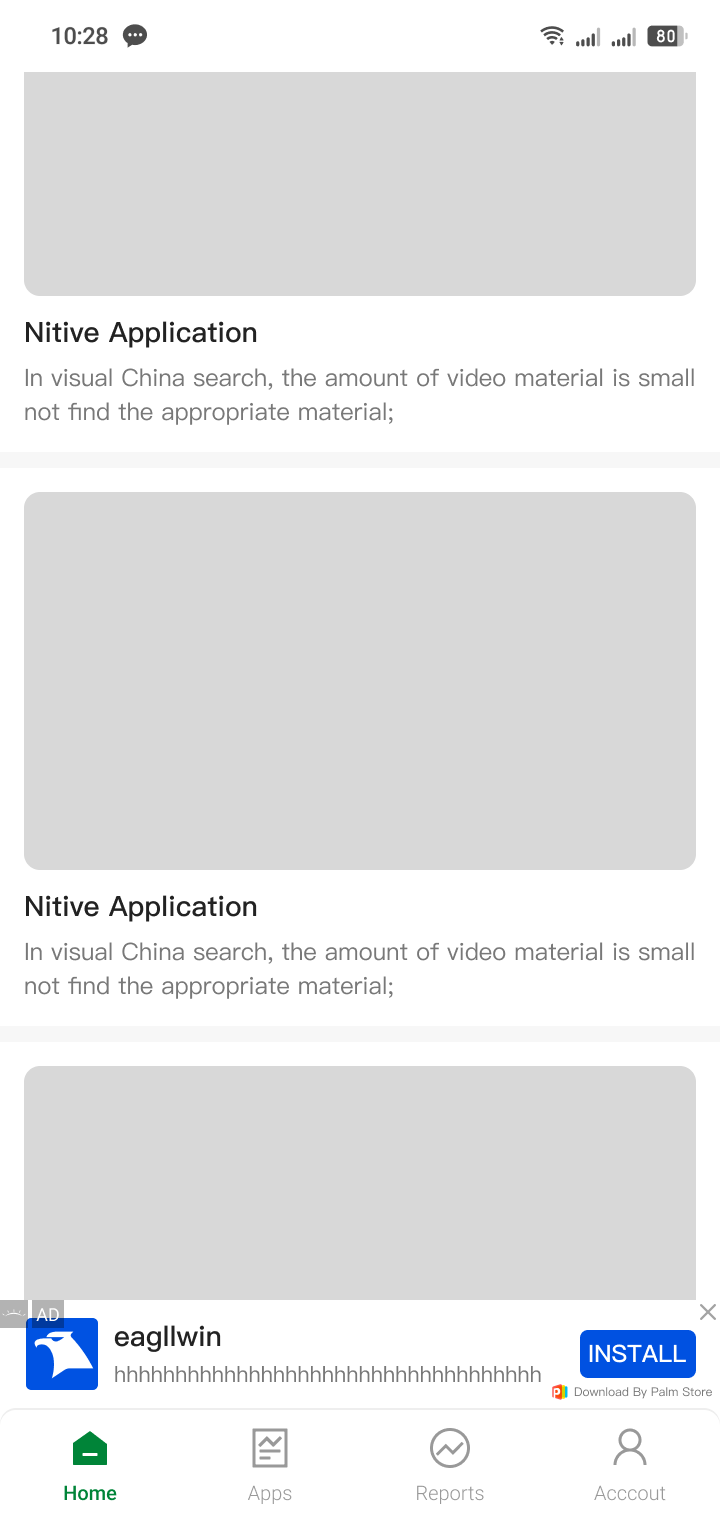 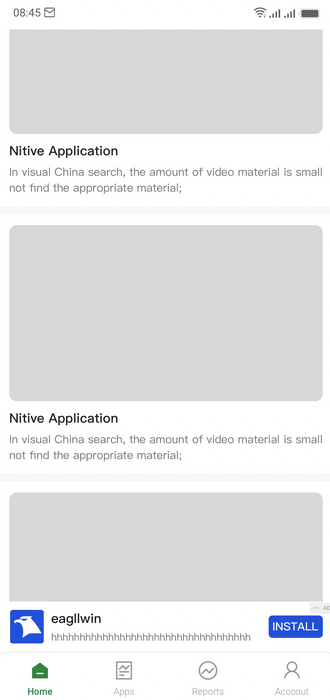 | 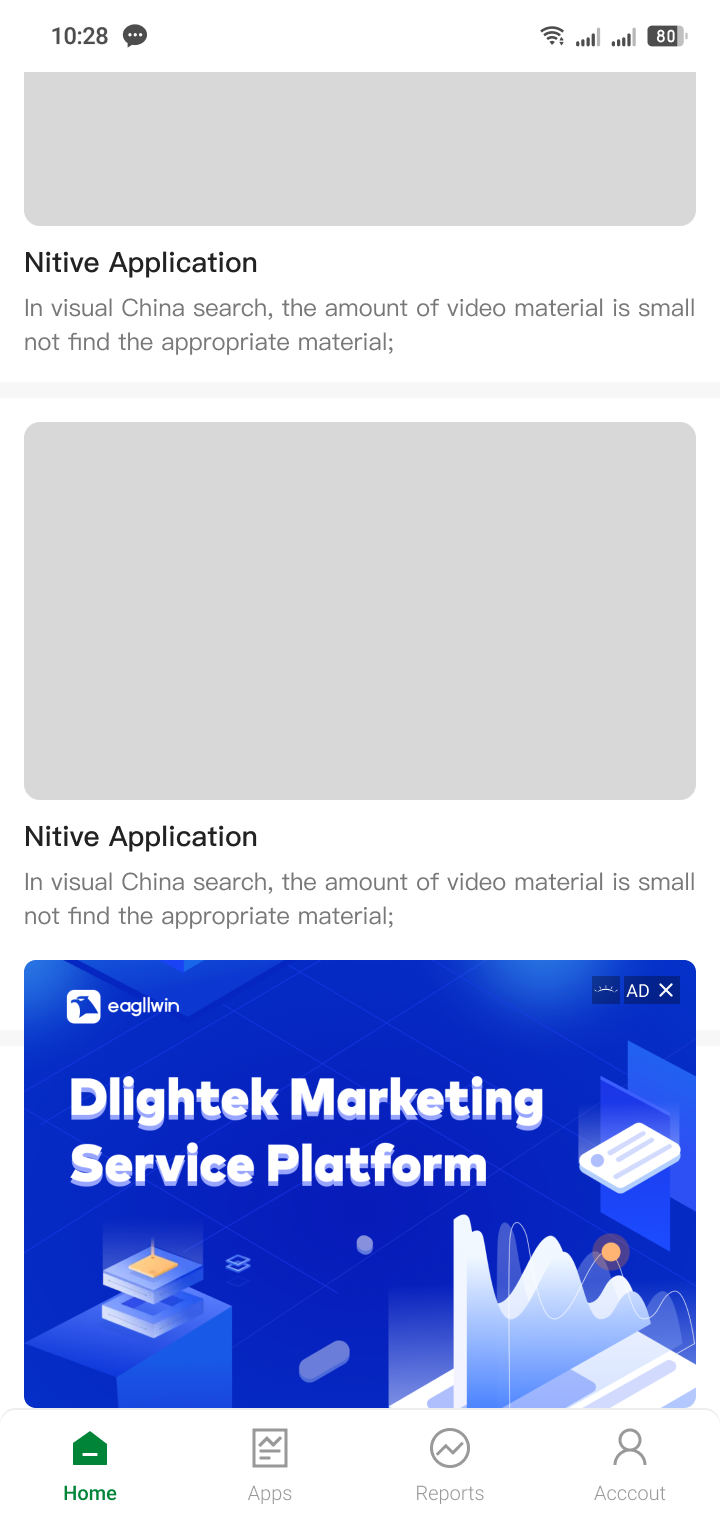 |
Integration
Refer to the Banner Integration Guide.
2.3.2 Interstitial Ad
Overview
An ad format that appears when the user opens or switches to your app. Supported sizes: 1:1, 9:16, 3:2. Sample previews:
| 1:1 | 9:16 | 3:2 |
|---|---|---|
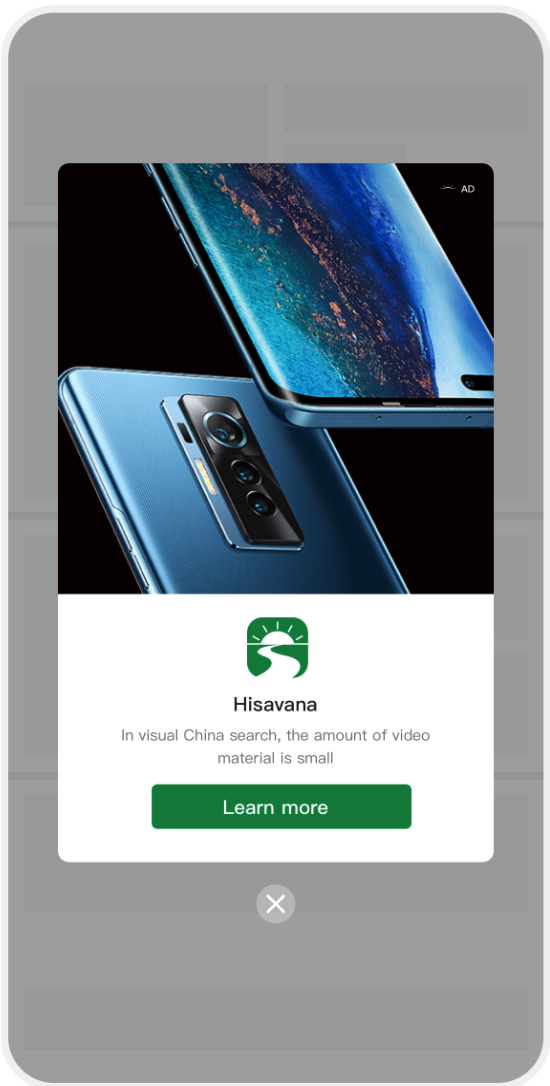 | 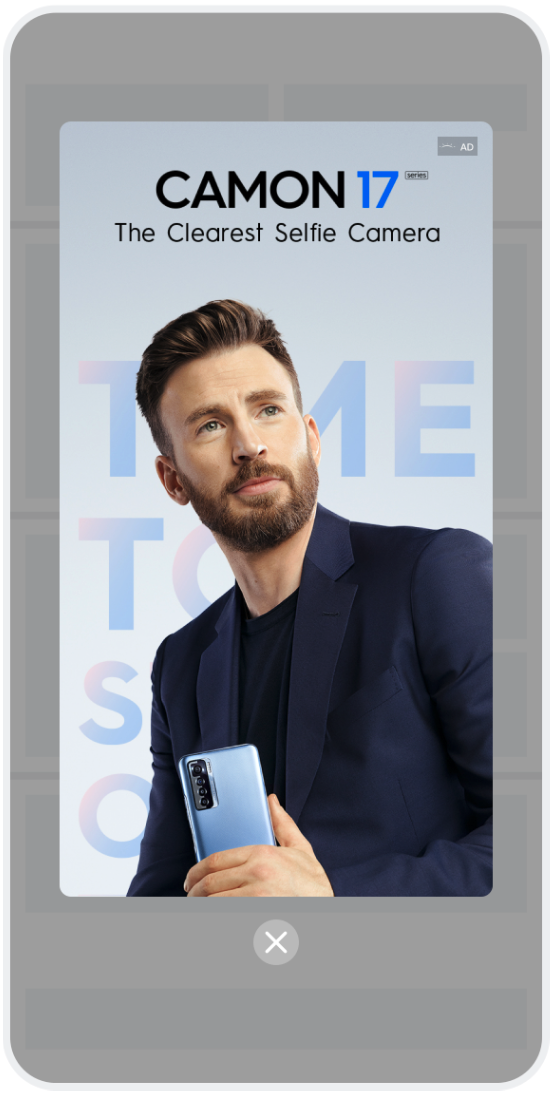 | 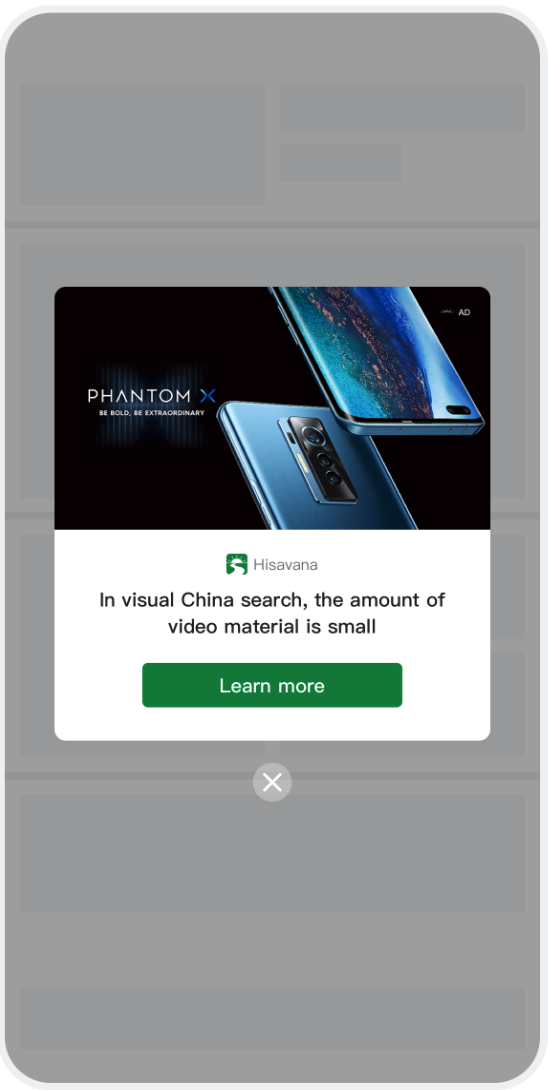 |
Integration
Refer to the Interstitial Integration Guide.
2.3.3 Native Ad
Overview
A feed ad format containing a main image, icon, text, and button. Rendered by the publisher using self-rendering.
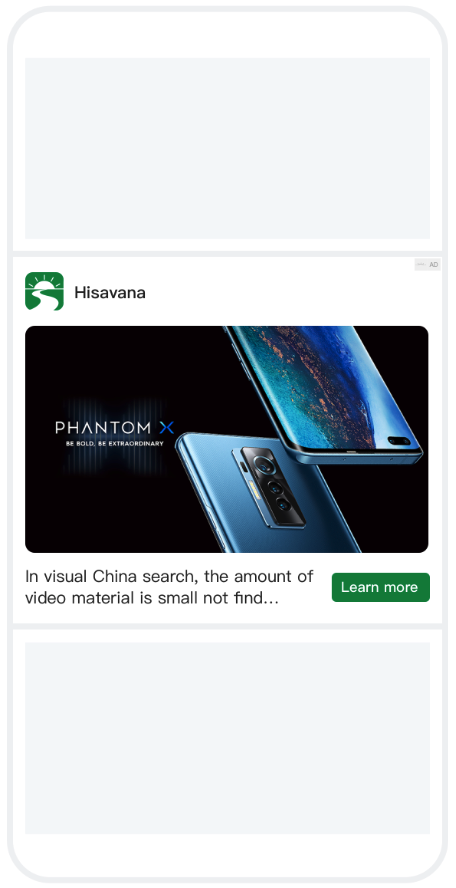
Supports the Icon ad type, which allows requesting multiple ads from a source in a single request and displaying them simultaneously.
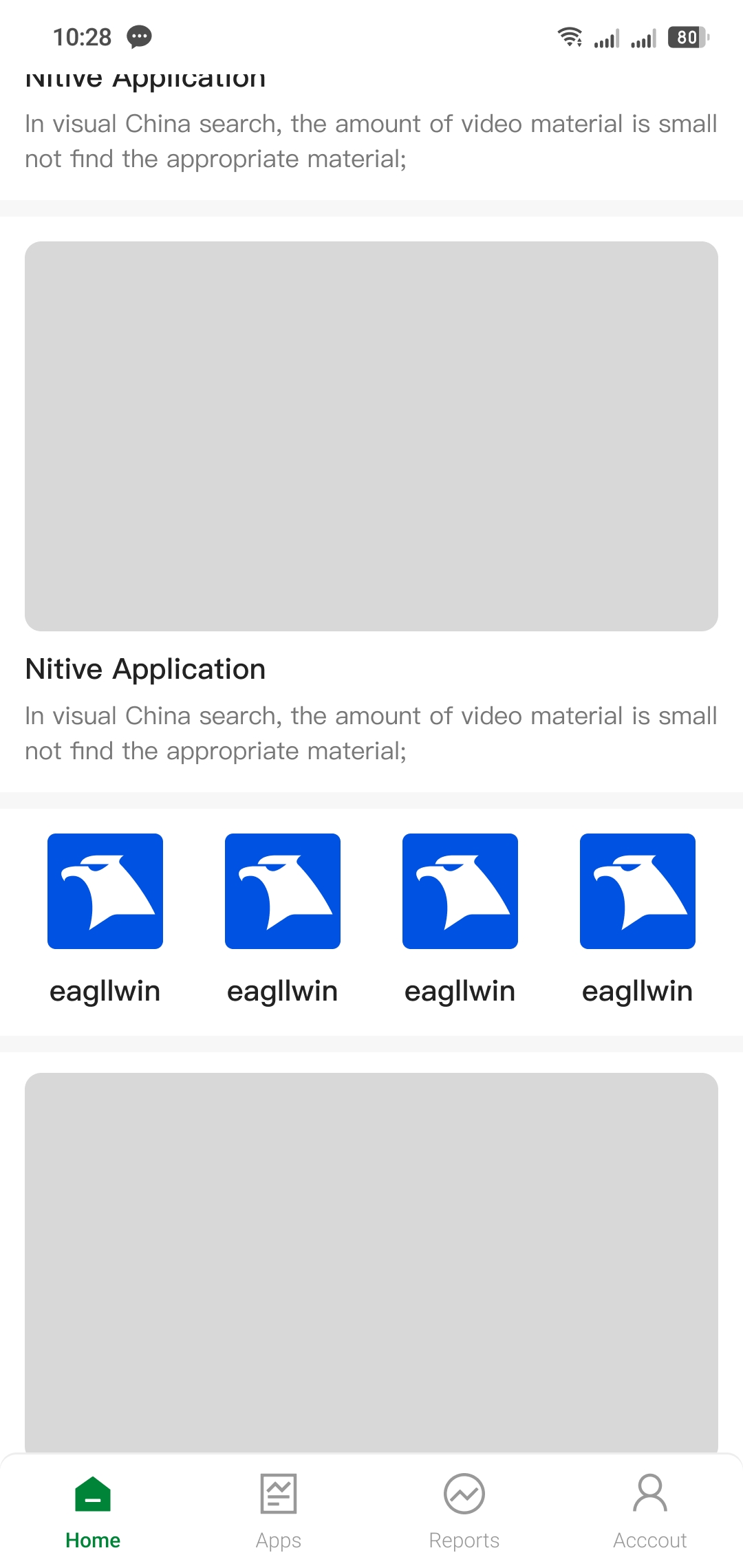
Integration
Refer to the Native/Icon Integration Guide.
2.3.4 Splash Ad
Overview
An ad format that appears at natural endpoints and transitions. Supported sizes: 9:16, 1:2, 2:3. Sample previews:
| 9:16 | 1:2 | 2:3 |
|---|---|---|
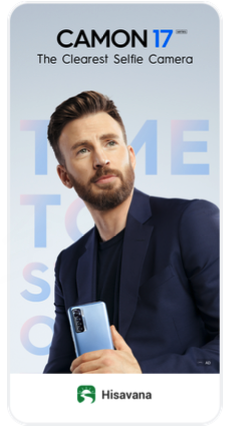 | 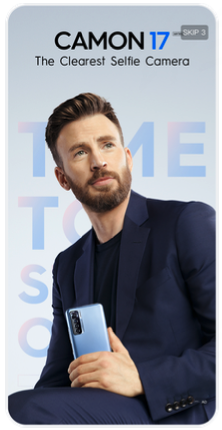 | 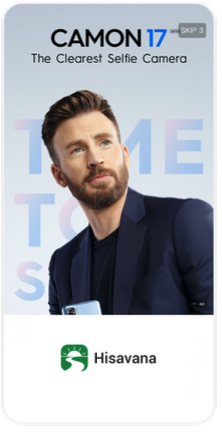 |
Integration
Refer to the Splash Integration Guide.
2.3.5 Rewarded Video
Overview
A rewarded video ad typically displayed on game screens. After watching the full-screen ad, the user receives a corresponding reward.
Integration
Refer to the Rewarded Ad Integration Guide.